 RollPoll
The guide · Section 8 of 15
Member lists
Keeping a list of your members, importing it, and the invitations, their statuses and reminders.
What a member list is
A member list is the people who may vote in a member poll. Each has a name, and an email or a phone. Keep a list once in Members, and pick it whenever you build a member poll.
Before a poll opens, it follows its list. When it opens, it keeps its own copy — so a change to the list reaches future polls only.
Make a list
Open Members at the top of the screen. Under New list, type a name and press Create list.
Fill it in
Open the list. You can add people three ways:
- Import — from a file, or pasted. Up to 5,000 people at a time.
- Add one — type one person's name, email and phone. A member needs an email or a phone; a member with neither can't be reached.
- On an open member poll, + Bulk add adds people to that poll. See below.
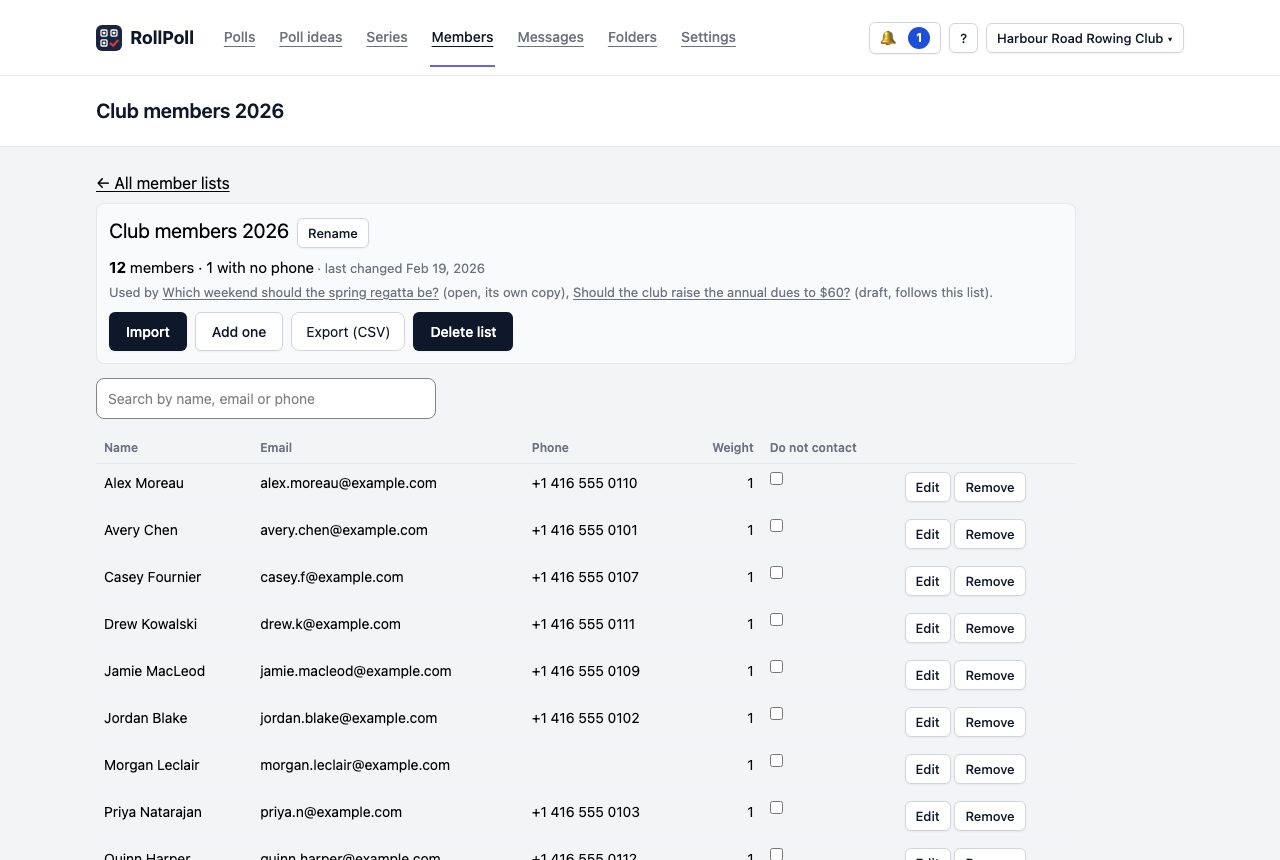
Import
Press Import. The importer takes four steps:
- Choose file — press Choose a file for a CSV, TSV, Excel (.xlsx) or vCard file, or a Google Contacts or Outlook export. Or press Paste a list and paste one person per line: name, email, phone, weight.
- Match columns — say which column is which. A member needs an Email or a Phone column.
- Review — every row, sorted into those that are ready, those that need a look, and those that can't come in, with the reason.
- Import — nothing is saved until this step.
Every import is kept in the list's log, Imports, where you can undo it.
The list's other buttons
- Export (CSV) — the whole list, as a spreadsheet file.
- Rename and Delete list.
- Edit and Remove on each person's row.
- Do not contact — tick it for anyone who asked not to be contacted. They're left off the roster of every poll that uses the list, so they're sent nothing — and the mark follows them onto your other lists.
- Weight — a whole number, used only by a poll set to Weight each vote by the number in the member list.
The invitations
When a member poll opens, every member is sent their own link — by email, or by text if they have no email. Never both. The poll's Member list panel shows each person and where their invitation has got to:
- Queued or Sending — on its way.
- Sent — it has left us.
- Delivered — it reached them. Where the email or text provider can't report back, it stays at Sent, and the panel says so.
- Bounced or Failed — it didn't arrive, with the reason.
- Voted — they've voted.
The count at the top says how many members are on the roster, and how many have voted.
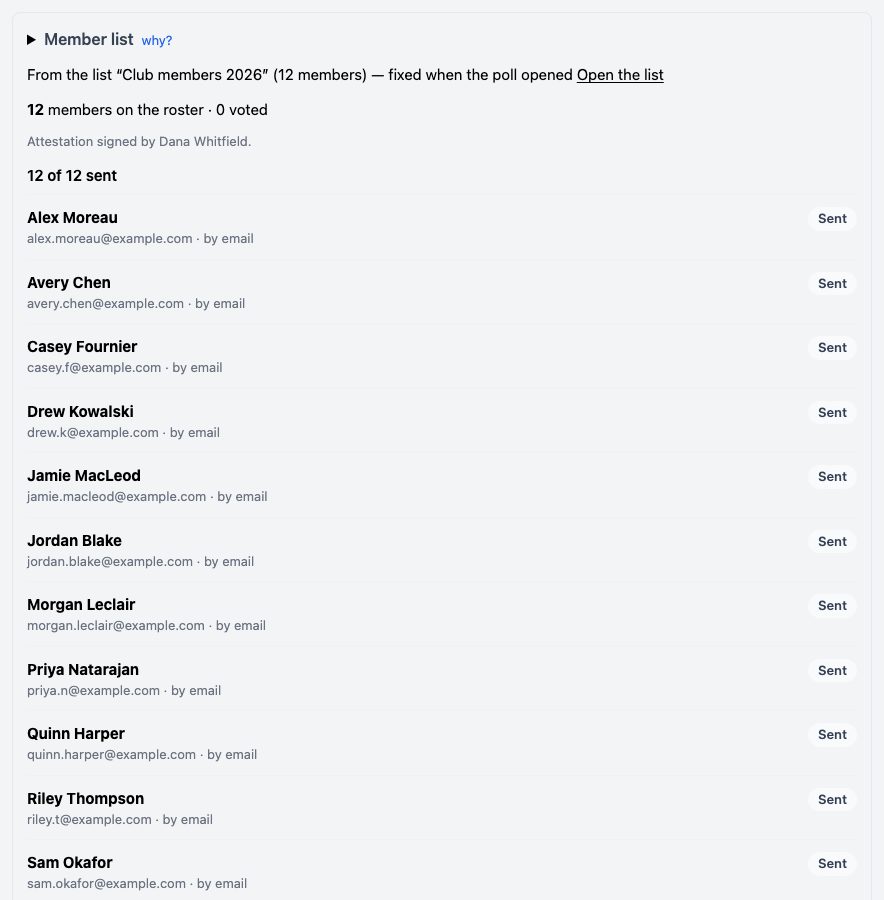
When an invitation didn't arrive, the row offers Fix address: correct the email or phone, and the list too if you like. Then press Resend.
Reminders
Press Remind members who haven’t voted to send each of them their link again. The line under the button says who a reminder will reach, and when the next one can go: a reminder waits until the invitations are at least a day old.
Someone was missed
On an open member poll, press + Bulk add and type one person per line: a name with an email or a phone, and an optional weight. Then press Send invitations to the members just added.
Still stuck? Signed in, use Contact RollPoll. Not signed in, Contact us.