 RollPoll
The guide · Section 13 of 15
Settings
Your name, tagline and introduction, your email and password, your time zone, the low-votes warning, and your organizer page.
Your name, tagline and introduction
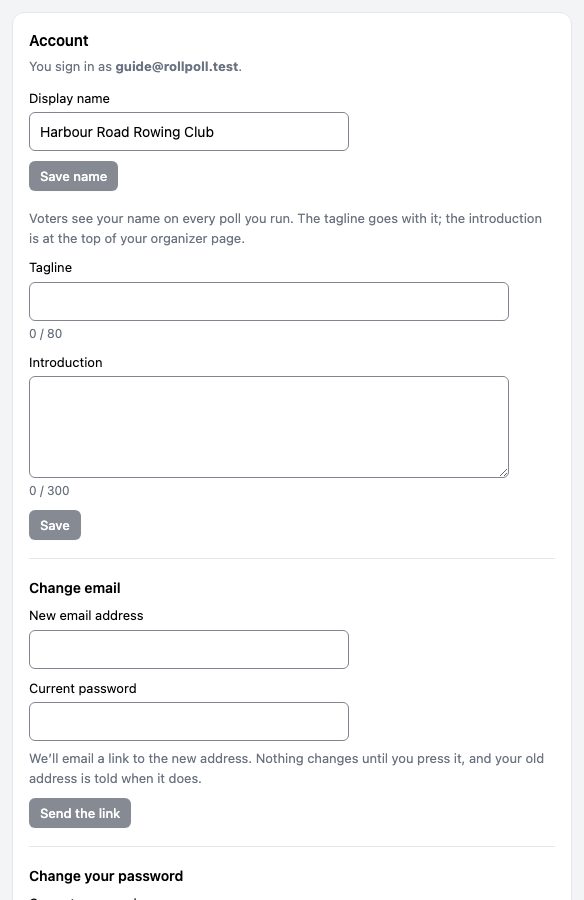
Open Settings at the top of the screen. Under Account:
- Display name — voters see it on every poll you run, as “Run by …”. It's also the name on every email and text the site sends for you — invitations and reminders — and on the emails it sends you about your polls. Press Save name, and the next one carries it.
- Tagline — a short line that goes with your name wherever voters see it, up to 80 characters.
- Introduction — a few sentences at the top of your page, up to 300 characters. Press Save.
Your email and password
- Change email — type the New email address and your Current password, and press Send the link. We email a link to the new address. Nothing changes until you press it, and your old address is told when it does.
- Change your password — your current password, then the New password twice, and press Change password. It must be at least 12 characters. Changing it signs you out on every other device.
Time
Time is the clock your workspace runs on. It's what a poll's opening and closing times mean, unless that poll chooses a time zone of its own under Rules. Choose your Timezone and whether the Clock shows 12 or 24 hours. Every poll left on Account default prints its times on that clock; a poll can choose its own under More settings. If your browser is in a different time zone, the card says so.
Quiet hours start and Quiet hours end hold back invitations and your own notifications overnight. They never delay a voter's code — that's sent the moment it's asked for, at any hour. Leave both empty for no quiet hours.
Votes and the low-votes warning
The Votes card shows your balance, and the votes each open poll is holding. Buying votes is in Money.
Warn me when votes are running low: type a number and press Save this number. We email you once each time your balance drops below it. Leave it empty and we warn you when most of your votes are used.
Your logo
Workspace logo puts your logo at the top of your own screens. Press Add logo. Voters don't see it: it isn't on your polls or your page. For a poster, the poster maker has its own logo.
Location tags and calendar categories
- Location tags — rename the two tags you can give each location and each series sign: First tag and Second tag, then Save tag names. Only you see them.
- Calendar categories — what each round on a series' calendar is called before its question is announced, with its colour and icon. Voters’ pick and Random do something of their own, so you can rename them but not remove them. Add a category adds one.
Your organizer page
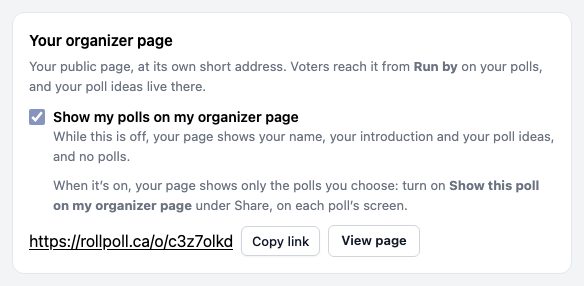
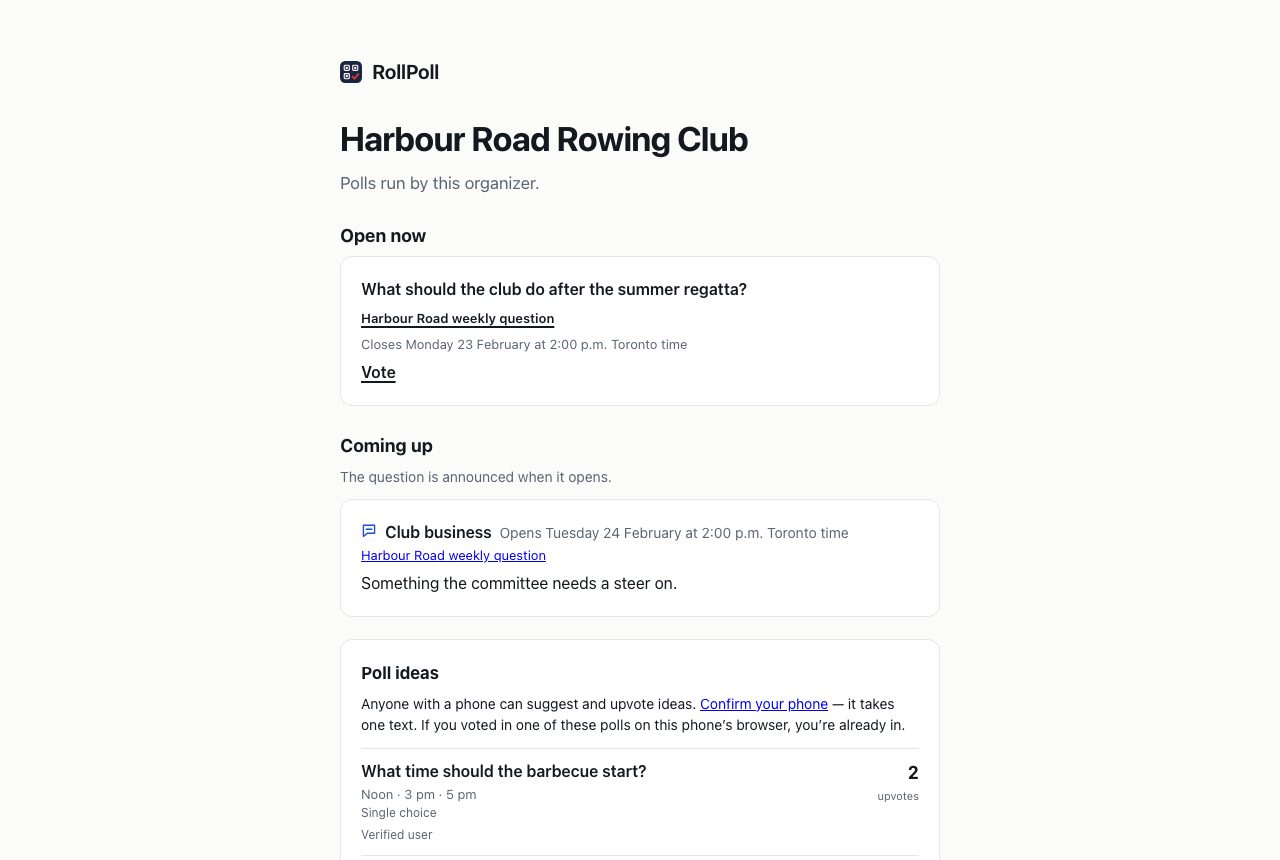
Your organizer page is your public page, at its own short address. Voters reach it from Run by on your polls, and your poll ideas live there. Copy link copies its address, and View page opens it. Link to it from a sign or your website.
Show my polls on my organizer page is off unless you turn it on. While it's off, your page shows your name, your introduction and your poll ideas, and no polls. When it's on, your page shows only the polls you choose: each poll has Show this poll on my organizer page under Share, on its own screen. See Sharing.
Still stuck? Signed in, use Contact RollPoll. Not signed in, Contact us.