 RollPoll
The guide · Section 1 of 15
Getting started
Signing up, what a vote is, buying votes, your polls and your folders.
What RollPoll does
You write a poll and share it. Each person votes on their own phone and confirms with a code we text them. So it's one phone, one vote. Every voter gets a registration number and can find their own vote on the public results. Nobody learns who they are.
You can also keep a poll's results sealed until its closing date, from everyone, you included. The front page explains it under Results sealed until the closing date — even from the organizer. You choose it for each poll in Build a poll, under Results while the poll is open → Nobody until it closes.
Sign up
You choose a pack of votes first, then make your account, then pay.
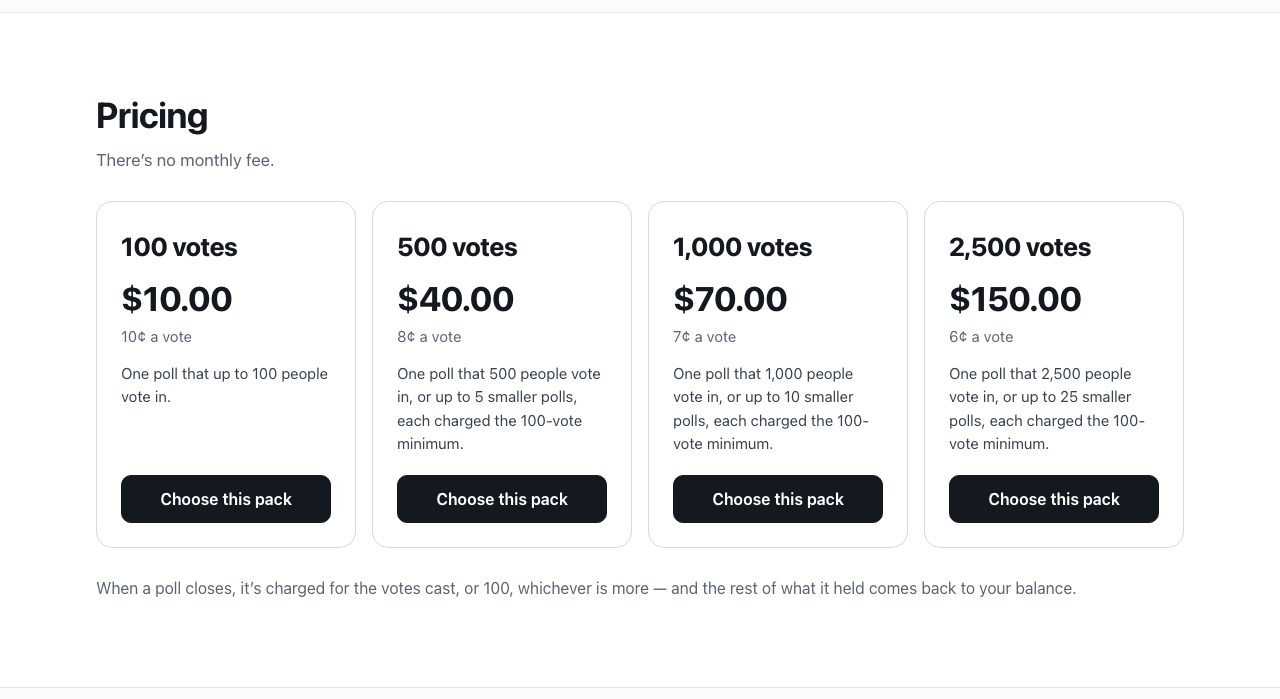
- Go to rollpoll.ca and press See pricing. The packs are 100 votes for $10.00, 500 votes for $40.00, 1,000 votes for $70.00 and 2,500 votes for $150.00. Each card shows its price per vote and what it covers.
- Press Choose this pack on the one you want.
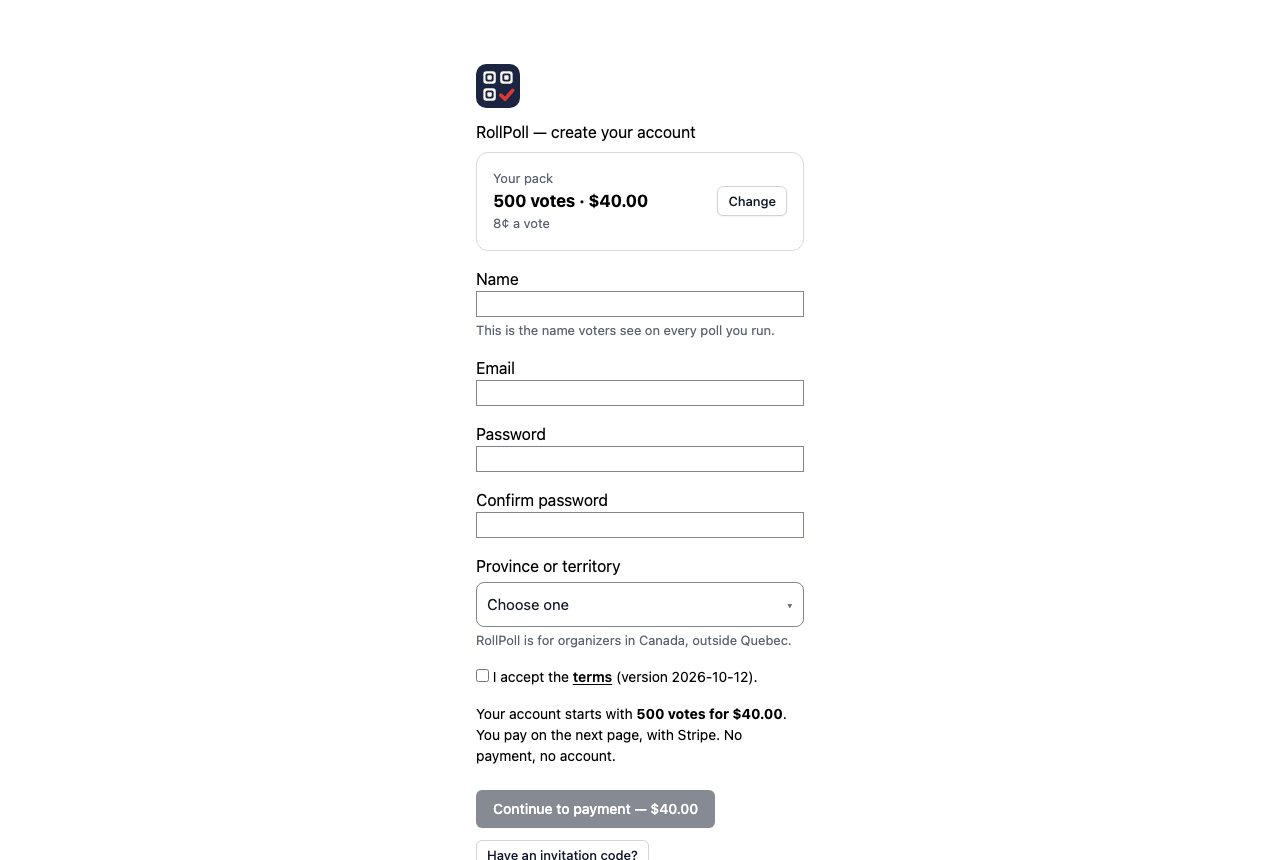
- Your pack is at the top of the sign-up page. Change goes back to the packs.
- Fill in Name, Email, Password and Confirm password. The name is the one voters see on every poll you run.
- Choose your Province or territory. RollPoll is for organizers in Canada, outside Quebec.
- Tick I accept the terms, then press Continue to payment. You pay for the pack on the next page, with Stripe. Your account starts with its votes.
If you open the sign-up page on its own, it shows the packs first: press Choose this pack on one.
If someone gave you an invitation code, press Have an invitation code? and type it in instead.
Sign in
Press Sign in at the top of rollpoll.ca (on a phone, it's under Menu). Type your Email and Password. If you've forgotten your password, press Forgot your password? and we'll email you a link.
What a vote is
Every person who votes in one of your polls uses one vote from your balance. Changing a vote is free.
You buy votes in bundles. On the Votes card in Settings, Add votes to your balance lists the bundles with their prices. Or any number lets you type a number of your own; its price shows before you press Buy these votes.
The floor. When an open poll closes or is cancelled, you're charged for the votes cast, or 25, whichever is more. The rest goes back to your balance. So a poll costs at least 25 votes, even if fewer people vote. Money has the details.
Your polls
Polls, at the top of every screen, opens Your polls. The tabs sort them: Open, Drafts, Closed, Cancelled and Archived. Each tab shows how many polls it holds. Search finds a poll by its title. Folder shows one folder at a time.
Each poll has its buttons on its row:
- Share — the link and the QR code, for a draft or an open poll.
- Votes — every vote, one row each (the Raw data page).
- Edit — the poll's own screen, where everything about it is set.
- Archive — takes it off your list. It's kept in Archived.
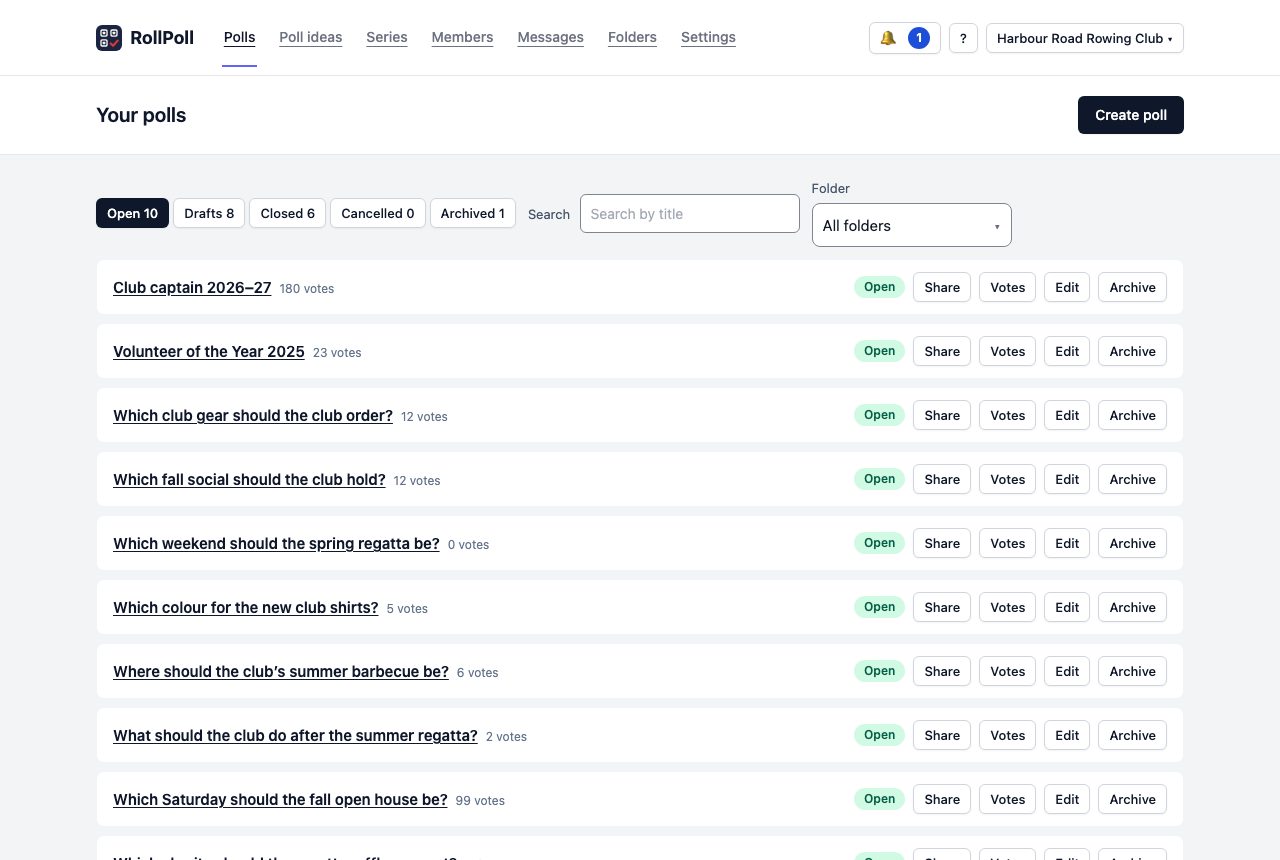
To start a new poll, press Create poll. Build a poll takes it from there.
Folders
Folders keeps your polls together — by venue, by season, however you like. Type a name and press Create folder. A poll goes into a folder from More settings on its own screen. Polls in no folder are in Unfiled (default).
Help while you work
The ? at the top of every screen opens this guide at the page for that screen, in a new tab. It stays where it is at the top right as you scroll down a long screen, so it's always there. On a narrow window, such as a phone's, it stays in the bar at the top.
Still stuck? Signed in, use Contact RollPoll. Not signed in, Contact us.